手里有两套监控集群——kube-prometheus-stack 和 VictoriaMetrics k8s-stack。想用一个 PromQL 入口同时查两边数据,Promxy 就是干这个的。
不存储数据,只做查询代理。收到 PromQL → scatter 到多个下游 → gather 合并结果 → 返回。
1
2
3
| Grafana → Promxy → Prometheus A
→ VM B
→ VM C
|
拉取chart、部署
1
2
3
4
5
6
7
8
9
10
11
12
13
14
15
16
17
18
19
20
21
22
23
24
25
26
27
|
export http_proxy="http://192.168.10.238:7897"
export https_proxy="http://192.168.10.238:7897"
git clone https://github.com/jacksontj/promxy.git
unset http_proxy
unset https_proxy
cd promxy/deploy/helm/promxy/
helm upgrade --install promxy . -f values.yaml -n victoria-metrics --create-namespace
kubectl --context kind-test-cluster -n victoria-metrics \
port-forward svc/vmselect-vm-stack-victoria-metrics-k8s-stack 18481:8481 &
|
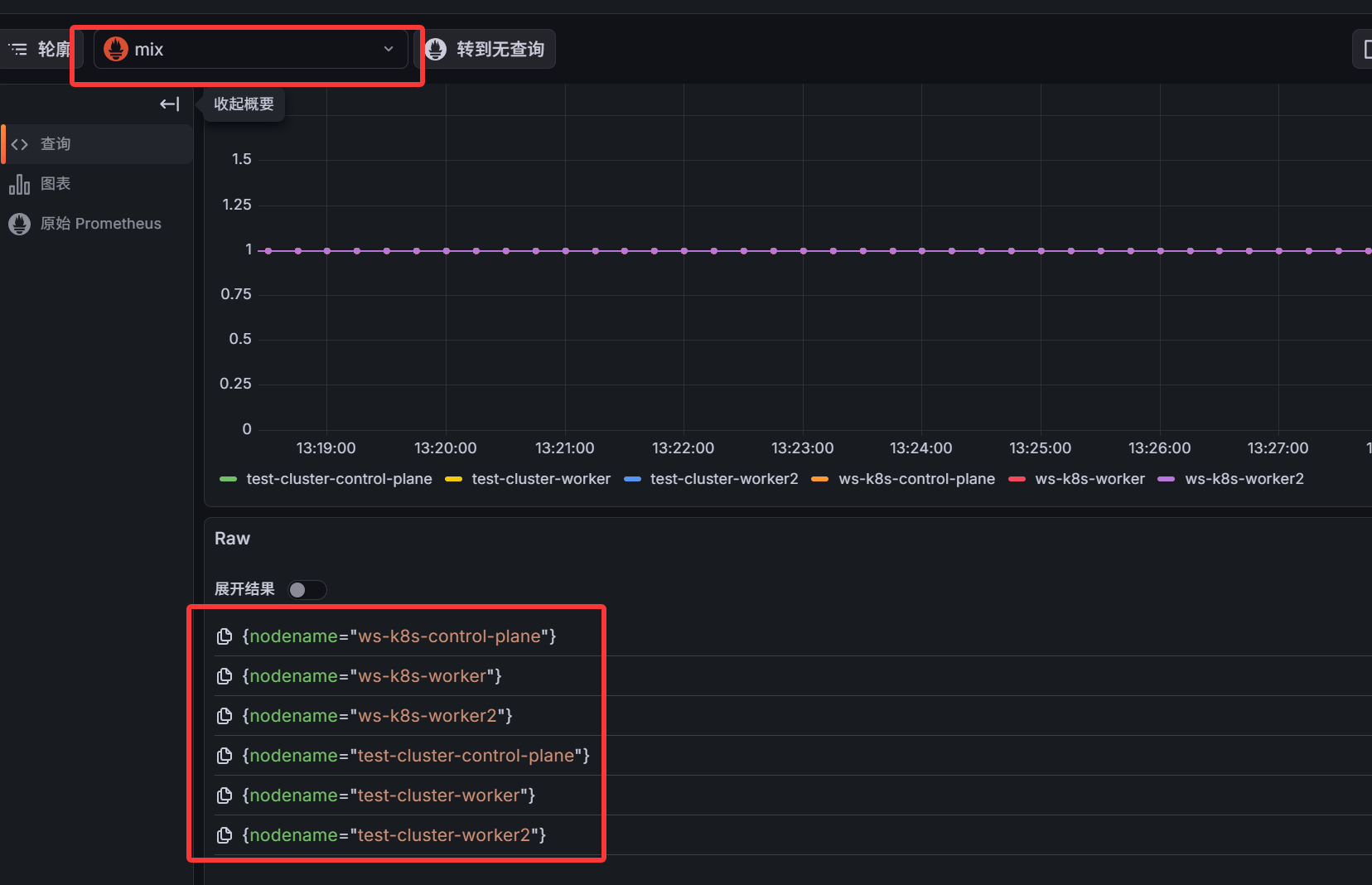
完整的 values.yaml 示例:
1
2
3
4
5
6
7
8
9
10
11
12
13
14
15
16
17
18
19
20
21
22
23
24
25
26
27
28
29
30
| image:
repository: quay.io/jacksontj/promxy
tag: v0.0.93
pullPolicy: IfNotPresent
config:
global:
evaluation_interval: 15s
server_groups:
- name: ws-k8s-prometheus
static_configs:
- targets:
- prometheus-kube-prometheus-prometheus.monitoring.svc:9090
scheme: http
remote_read: true
anti_affinity: 15s
- name: test-cluster-vm
static_configs:
- targets:
- localhost:18481
scheme: http
remote_read: false
path_prefix: /select/0/prometheus
anti_affinity: 15s
query_params:
nocache: 1
|
ServerGroup 配置详解
一个 ServerGroup 是一组同配置的下游实例:
1
2
3
4
5
6
7
8
9
10
11
12
| server_groups:
- static_configs:
- targets:
- vmselect-1:8481
- vmselect-2:8481
scheme: http
anti_affinity: 10s
remote_read: false
query_params:
nocache: 1
ignore_error: false
|
| 参数 |
说明 |
建议值 |
| anti_affinity |
合并同一组内多个实例的时间序列阈值 |
设为 scrape interval |
| remote_read |
是否用 remote_read API |
VM=false,Prometheus=true |
| query_params |
给下游请求加查询参数 |
VM 加 nocache: 1 |
| ignore_error |
该组不可用时是否忽略错误 |
关键组=false,可选组=true |
| path_prefix |
下游 API 路径前缀 |
VM 集群版需要设 |
remote_read=true 用 Prometheus 的 remote_read API,一次请求拿所有数据。VM 不支持 remote_read,必须设 false。
VM 集群版 vmselect 路径是 /select/0/prometheus/api/v1/query,不是 /api/v1/query,必须加 path_prefix。
Kubernetes 服务发现
除了 static_configs,支持 kubernetes_sd_configs 自动发现下游 Pod:
1
2
3
4
5
6
7
8
9
10
11
12
| server_groups:
- name: my-vm
kubernetes_sd_configs:
- role: pod
namespaces:
names:
- victoria-metrics
selectors:
- role: pod
label: "app.kubernetes.io/name=victoria-metrics-select"
remote_read: false
anti_affinity: 15s
|
role 可选:pod、endpoints、node、service、ingress。static_configs 写死地址适合学习,kubernetes_sd_configs 自动发现适合生产。
参考